
You mine asteroids for The Company.
For The Company! is a space-mining game in your browser. You start with a small company ship and a mining laser. Take contracts from The Company, mine asteroids and spend your earnings on bigger hulls, better equipment and a station for your department.
The ship keeps mining when the tab is in the background, and research keeps going even when the game is closed.
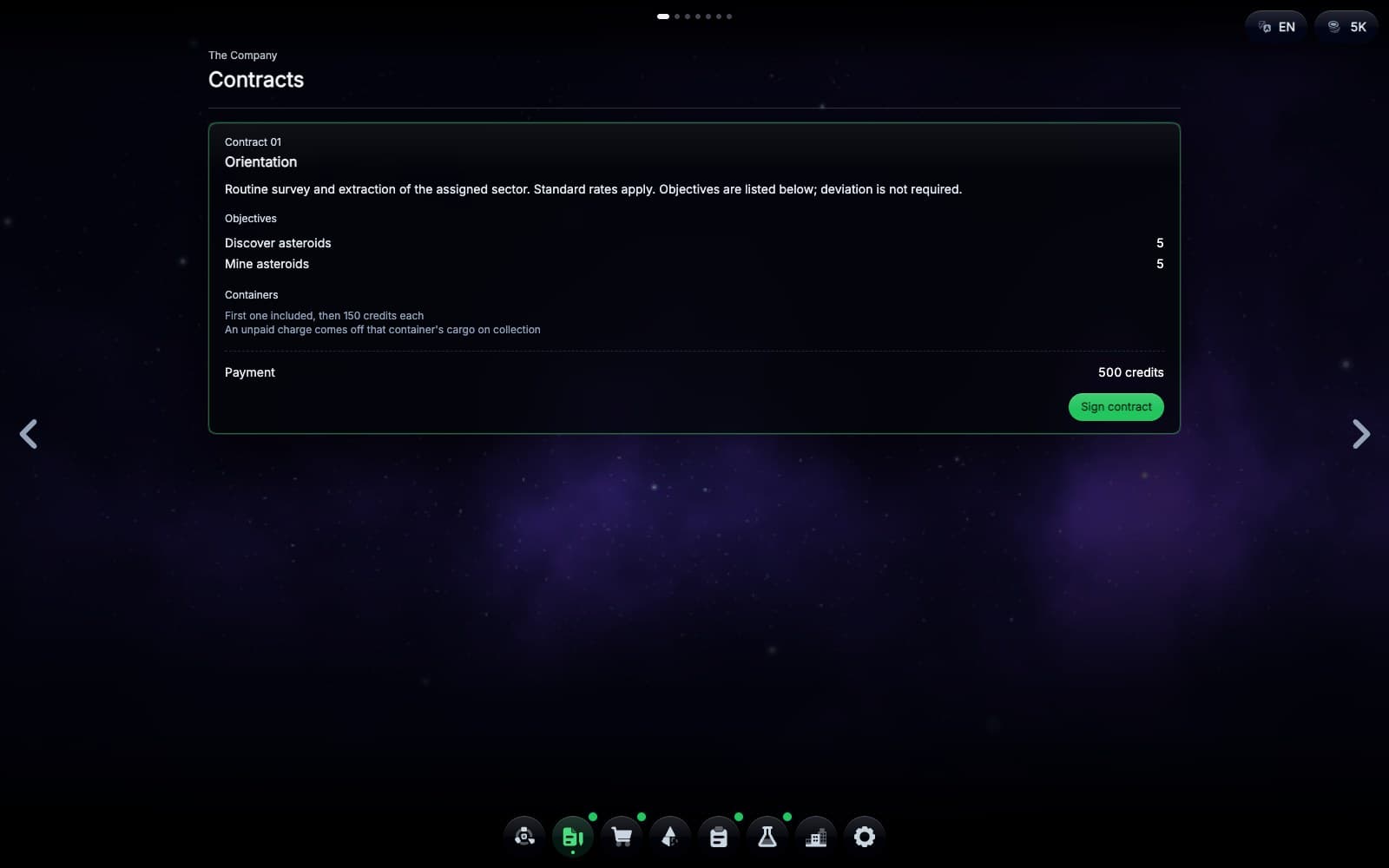
“Routine survey and extraction of the assigned sector. Standard rates apply. Objectives are listed below; deviation is not required.”
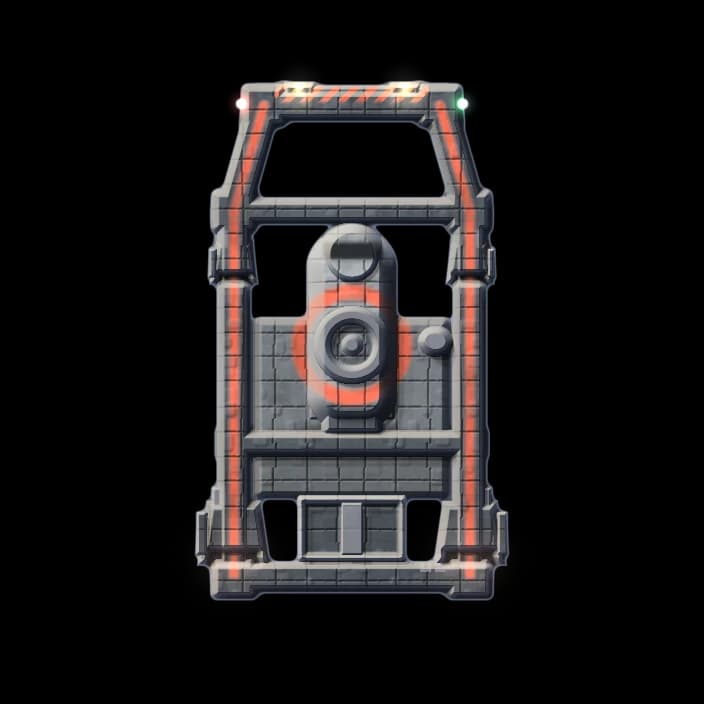
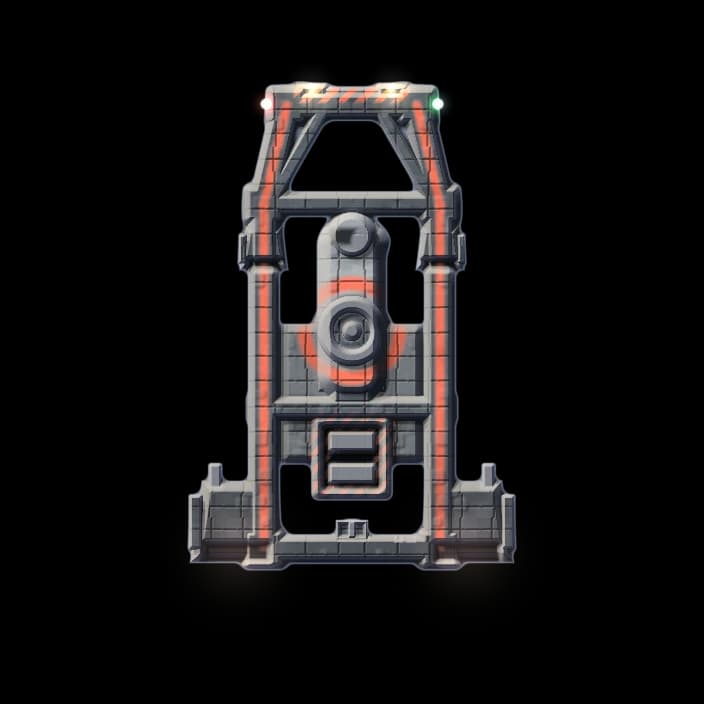
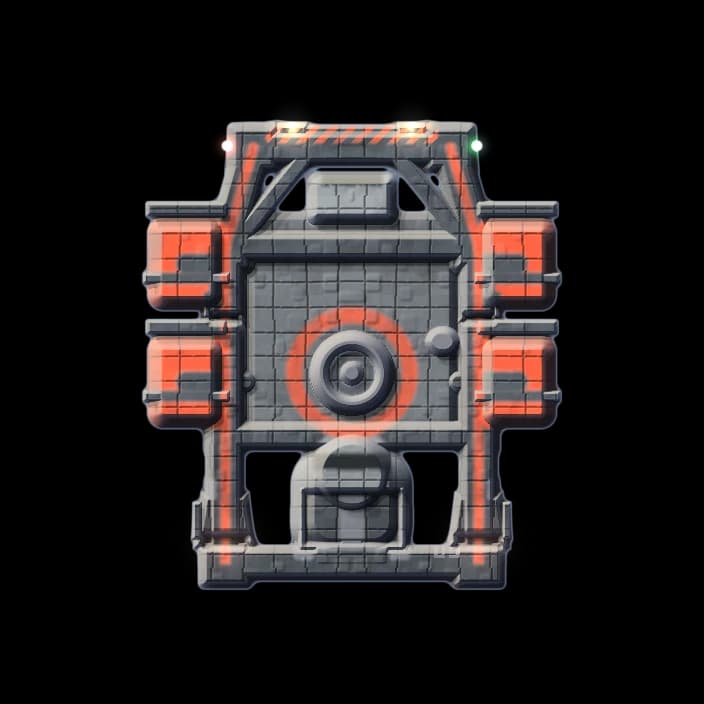
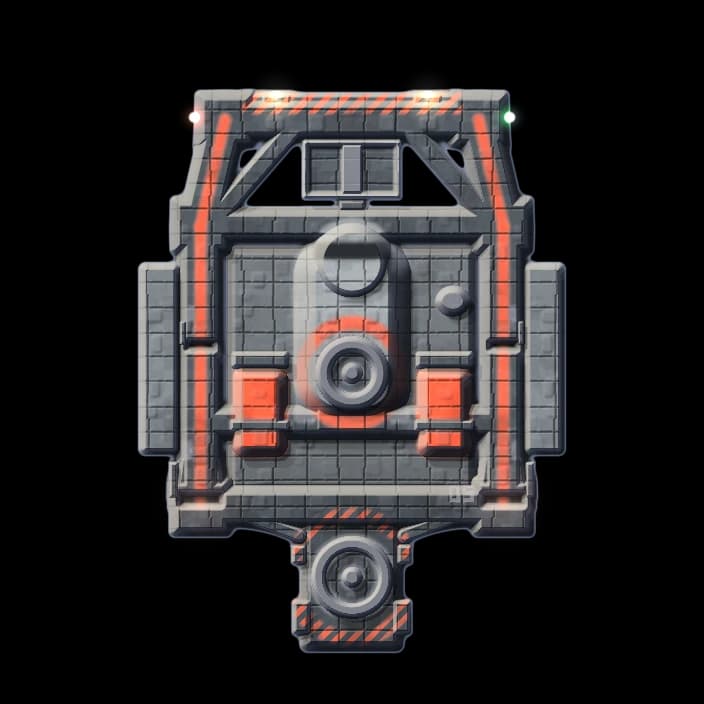
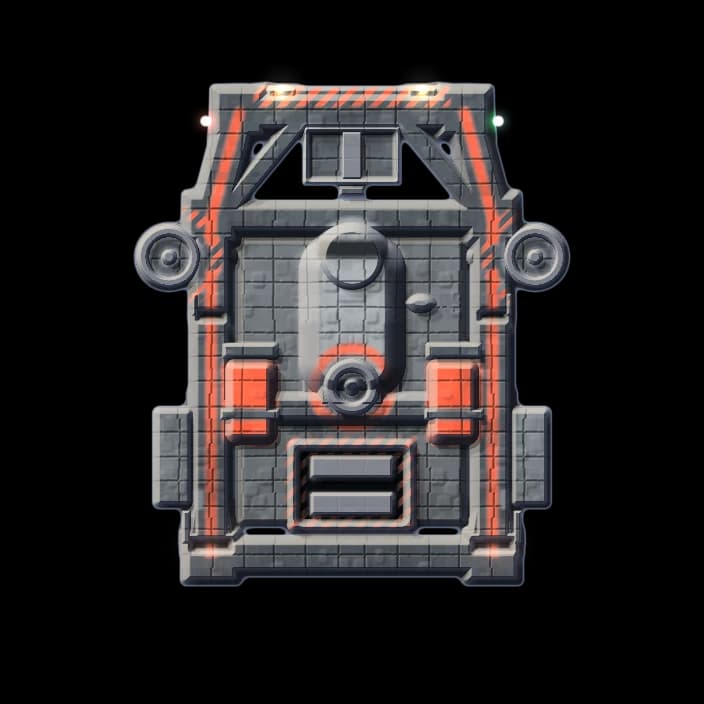
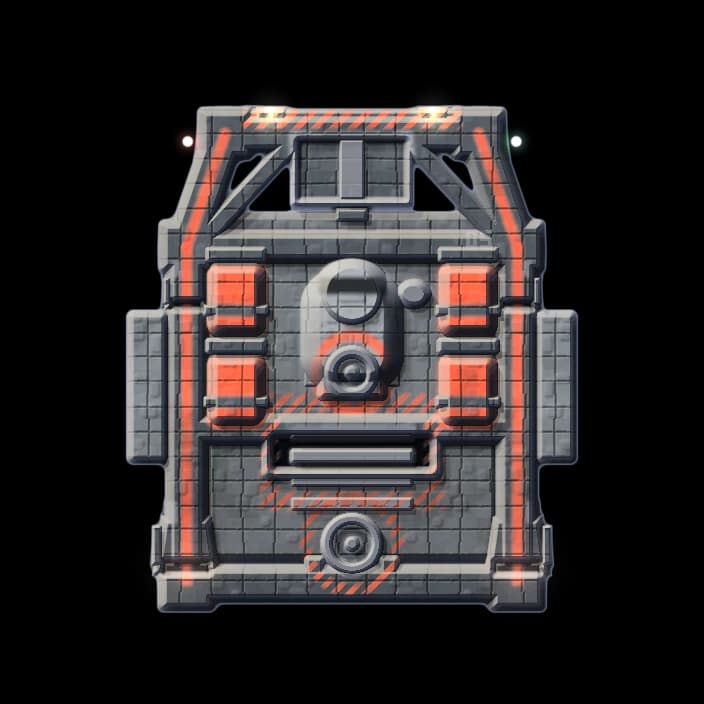
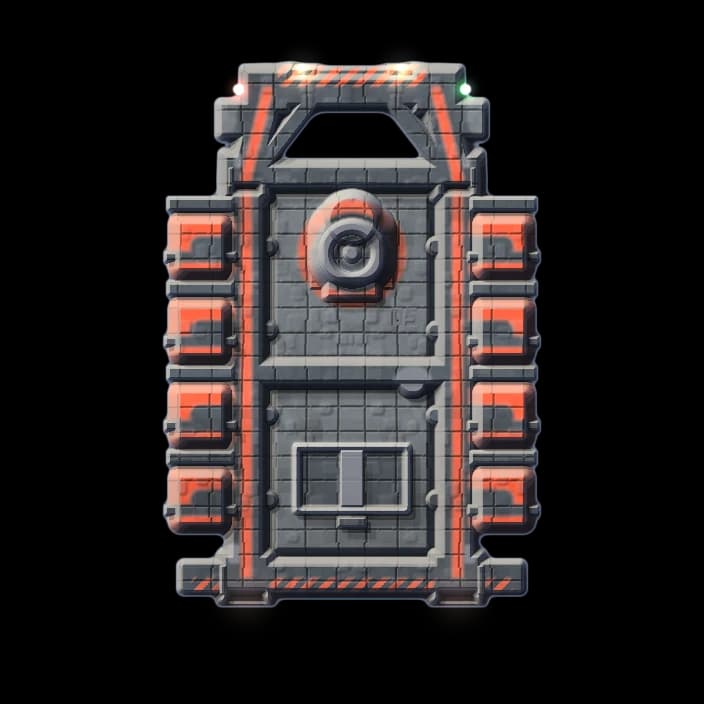
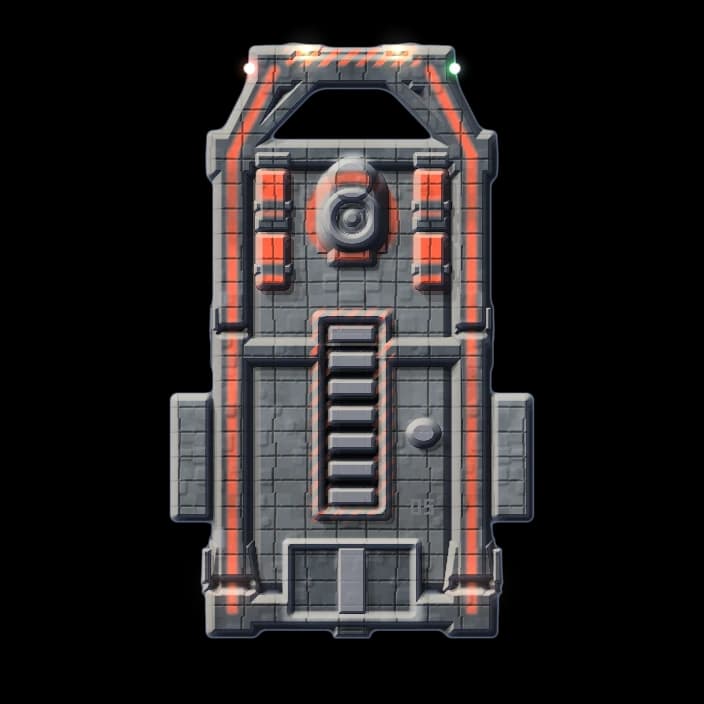
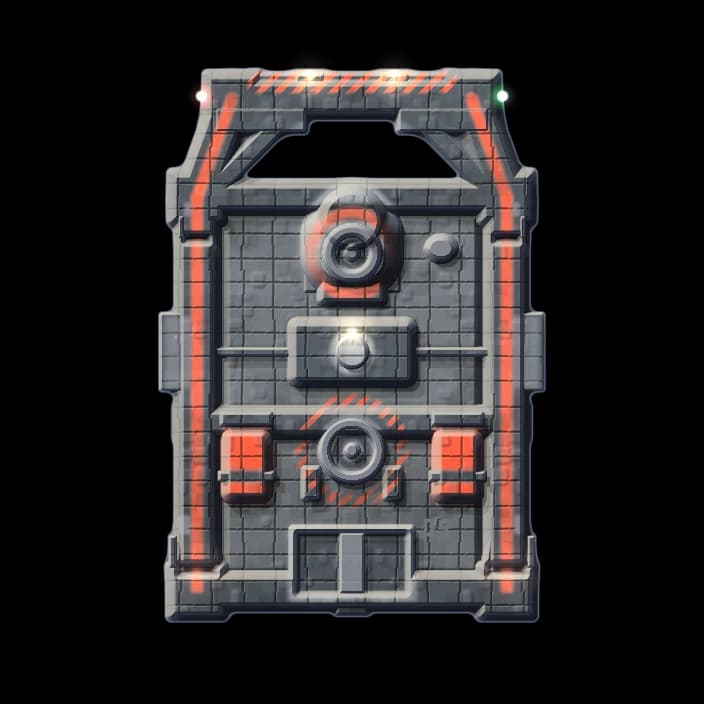
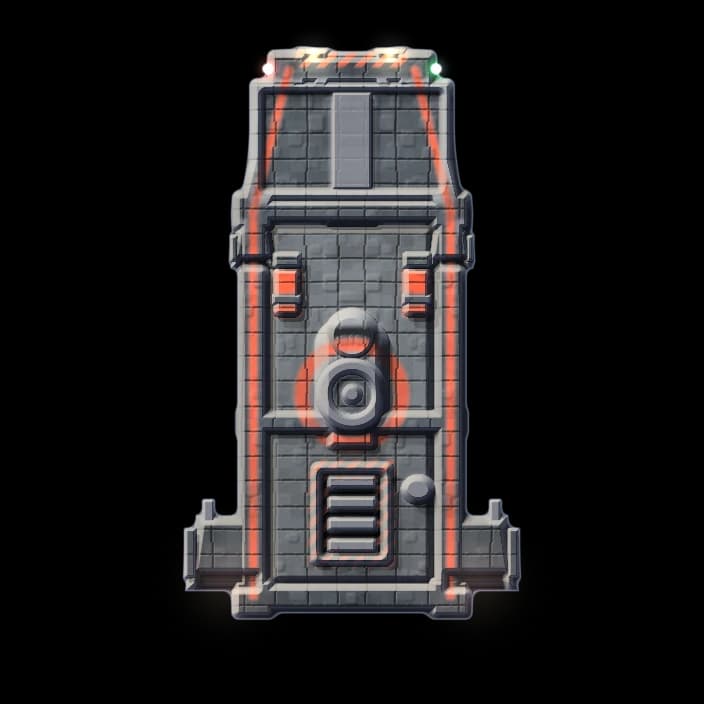
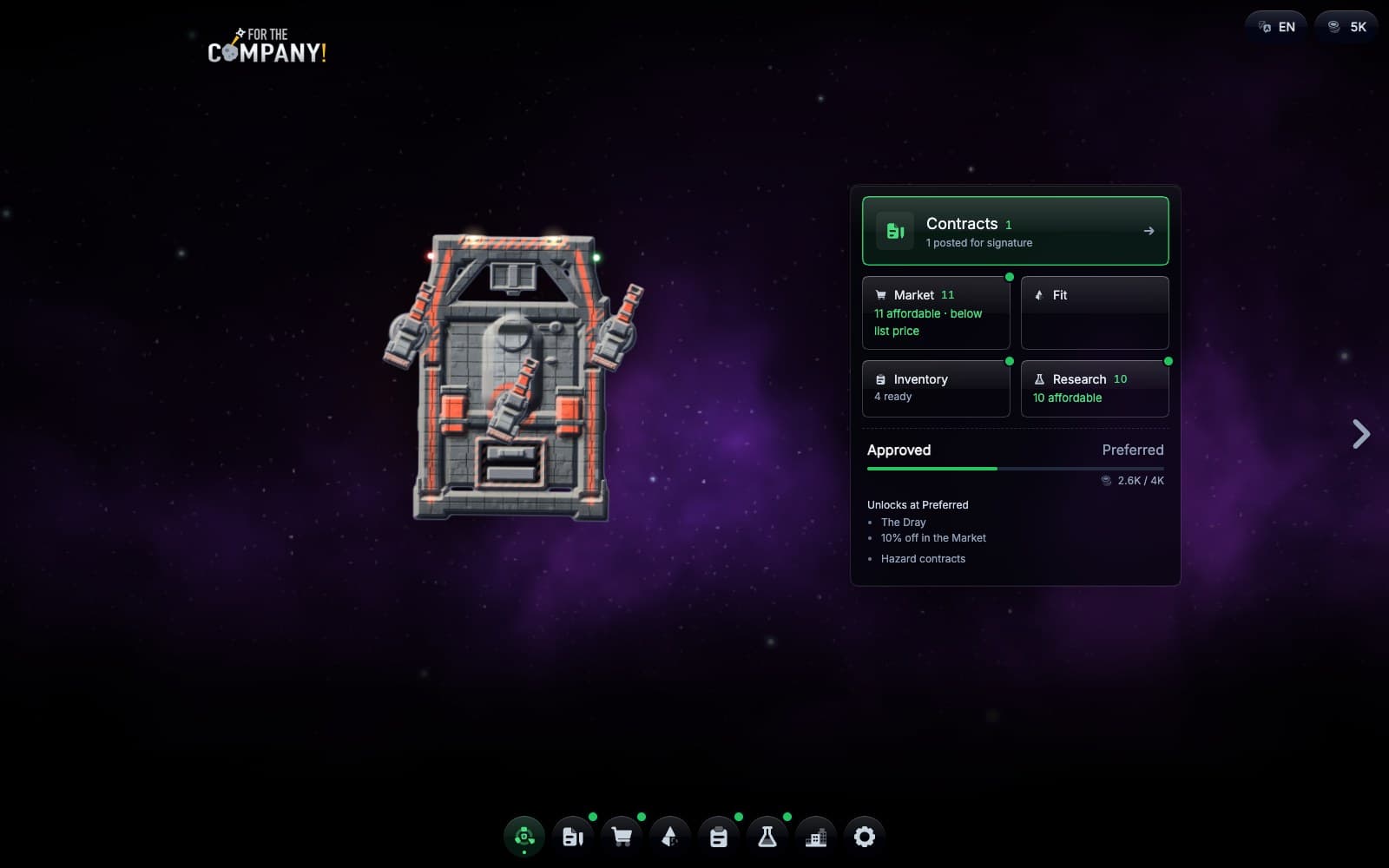
General survey. Issued.
How it plays
What you do in the game.
01
Take a contract
Start at the dock with a small company ship. Take a contract for the next sector and see what The Company will pay for the job.
02
Explore and mine
Explore the sector to find asteroids, then send your ship to mine them.
03
Get paid
Fill your hold, drop a container and The Company sends a collection vessel to pay for what you have mined. In dangerous sectors, raiders try to steal it first.
04
Let the ship work
Let the ship explore and mine on its own, even when the tab is in the background. Take over whenever you want.
05
Upgrade at the dock
Spend your earnings at the dock on a bigger hull, lasers and drones. Research blueprints for new fittings; the research continues while the game is closed.
06
Build a station
Build a station for your department, with mining drones, a refinery and an exchange that sells what is above the reserve you set, even while you are away.
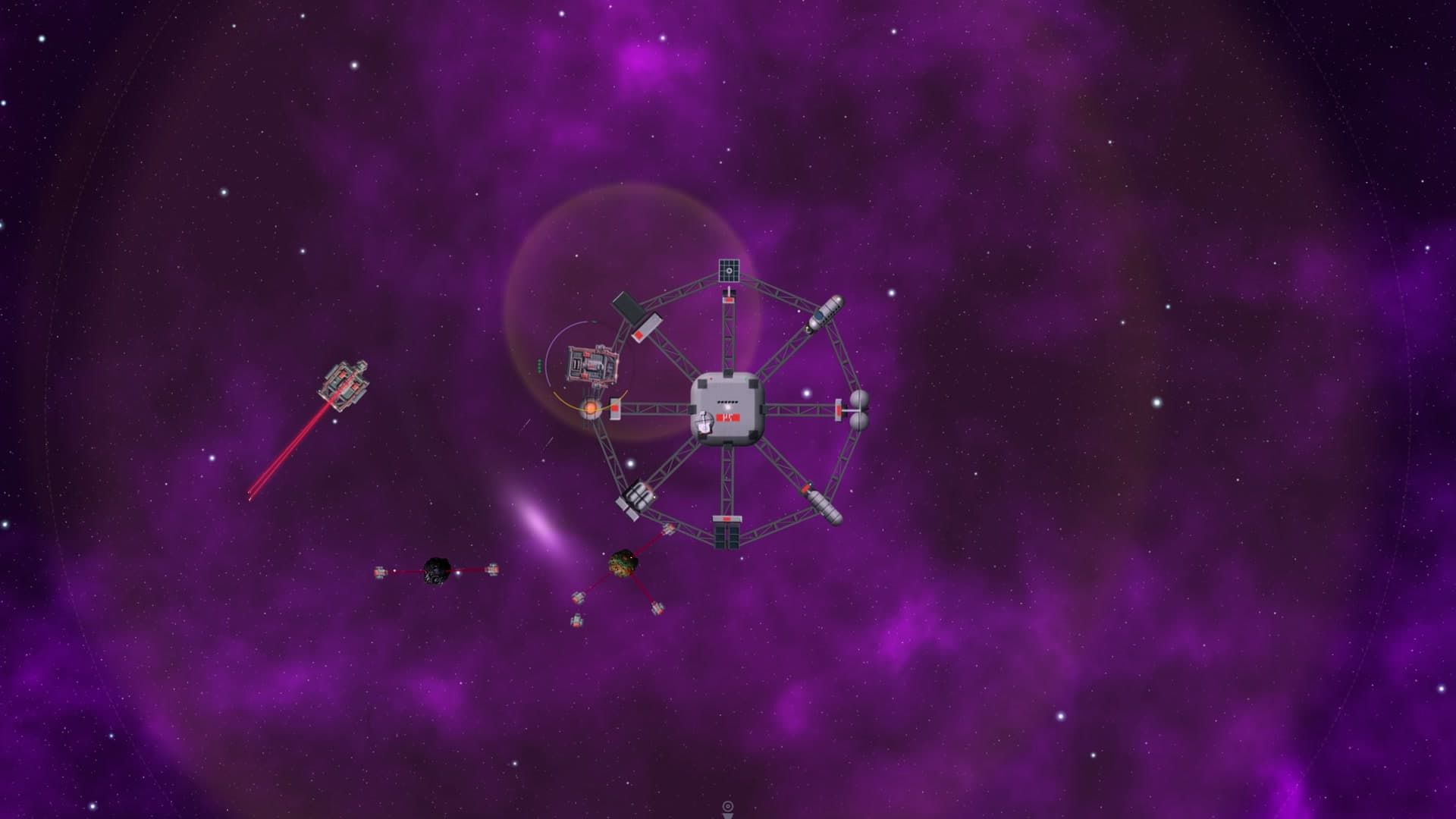
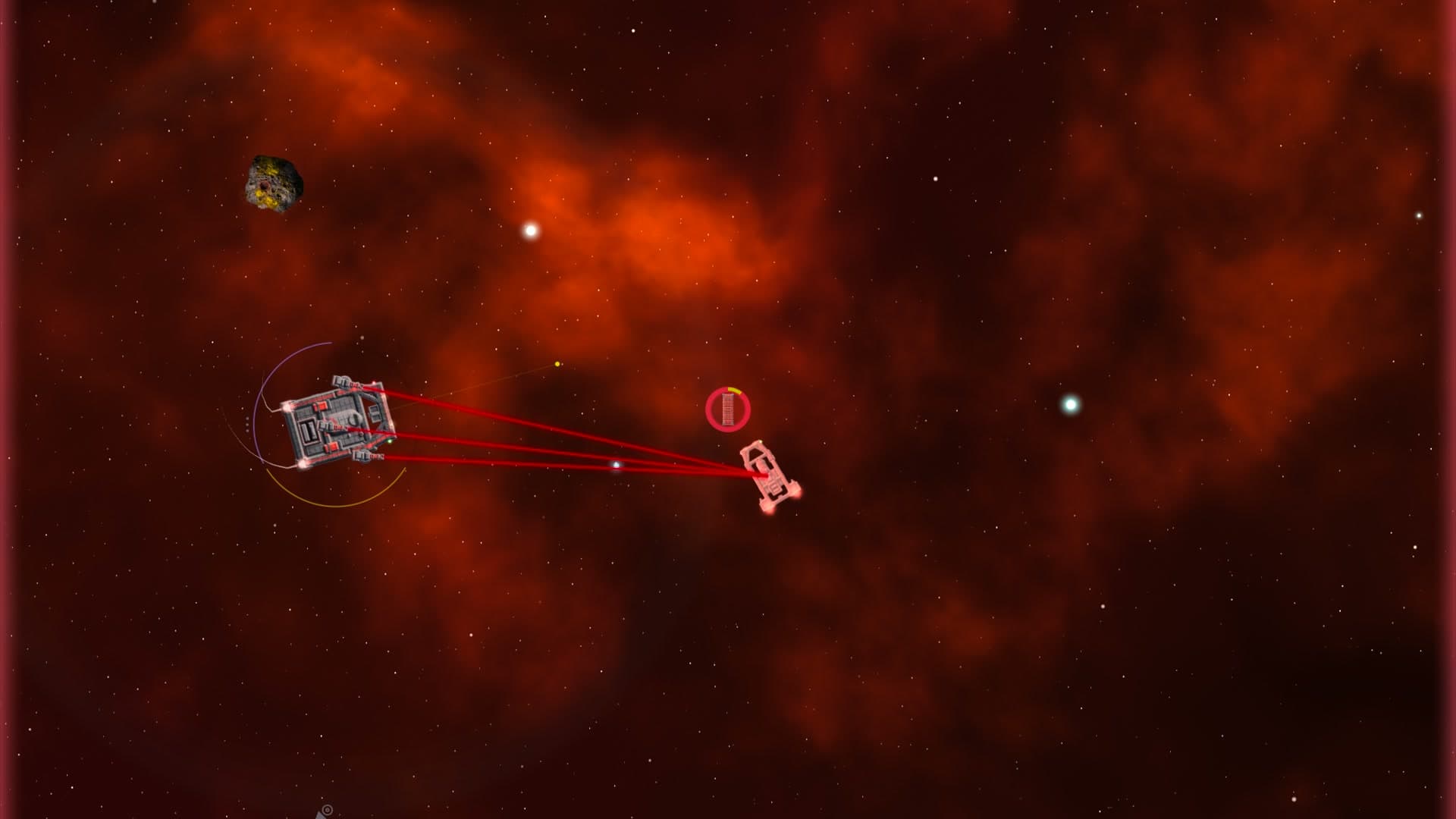
The map
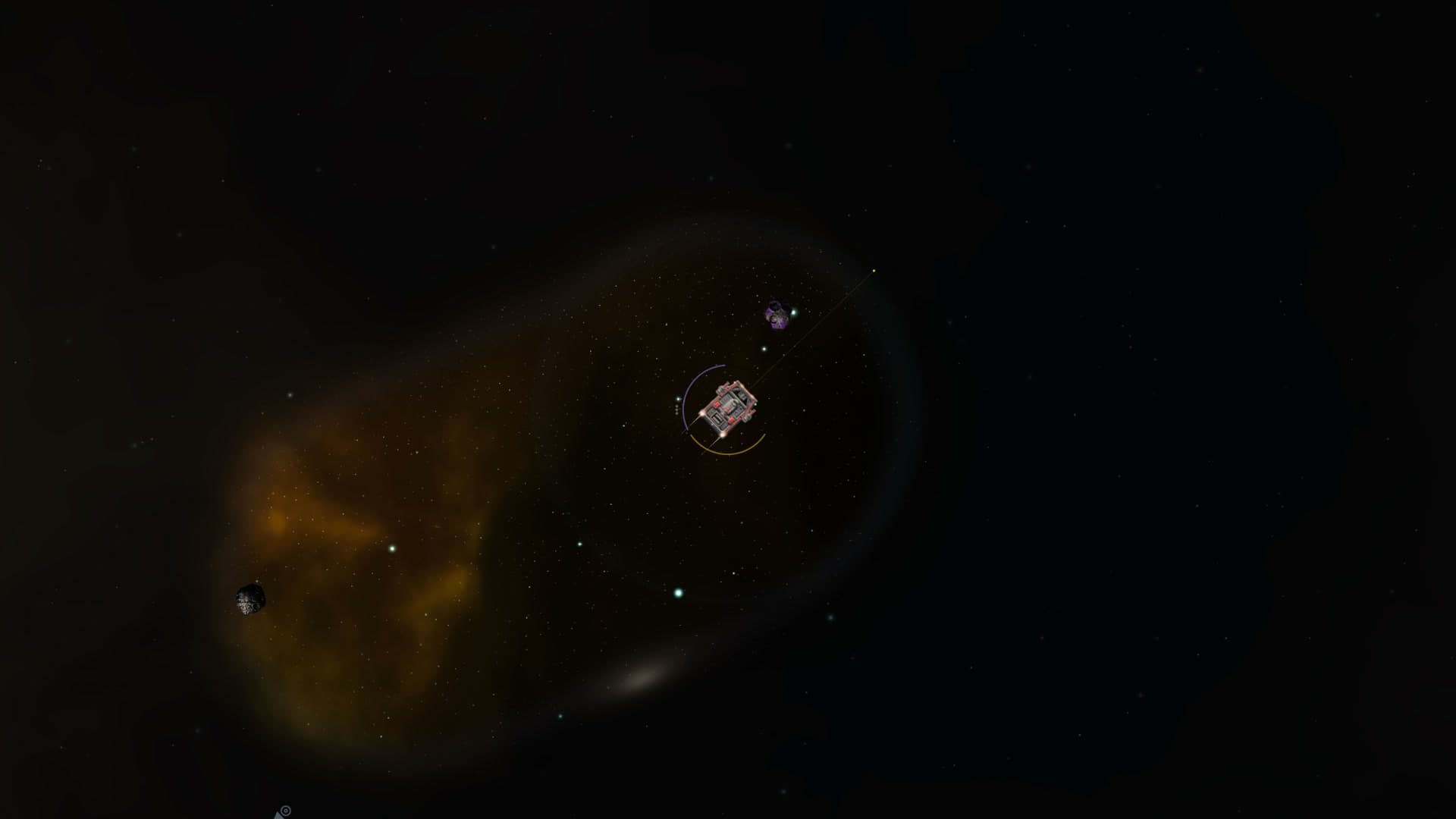
The map is endless.
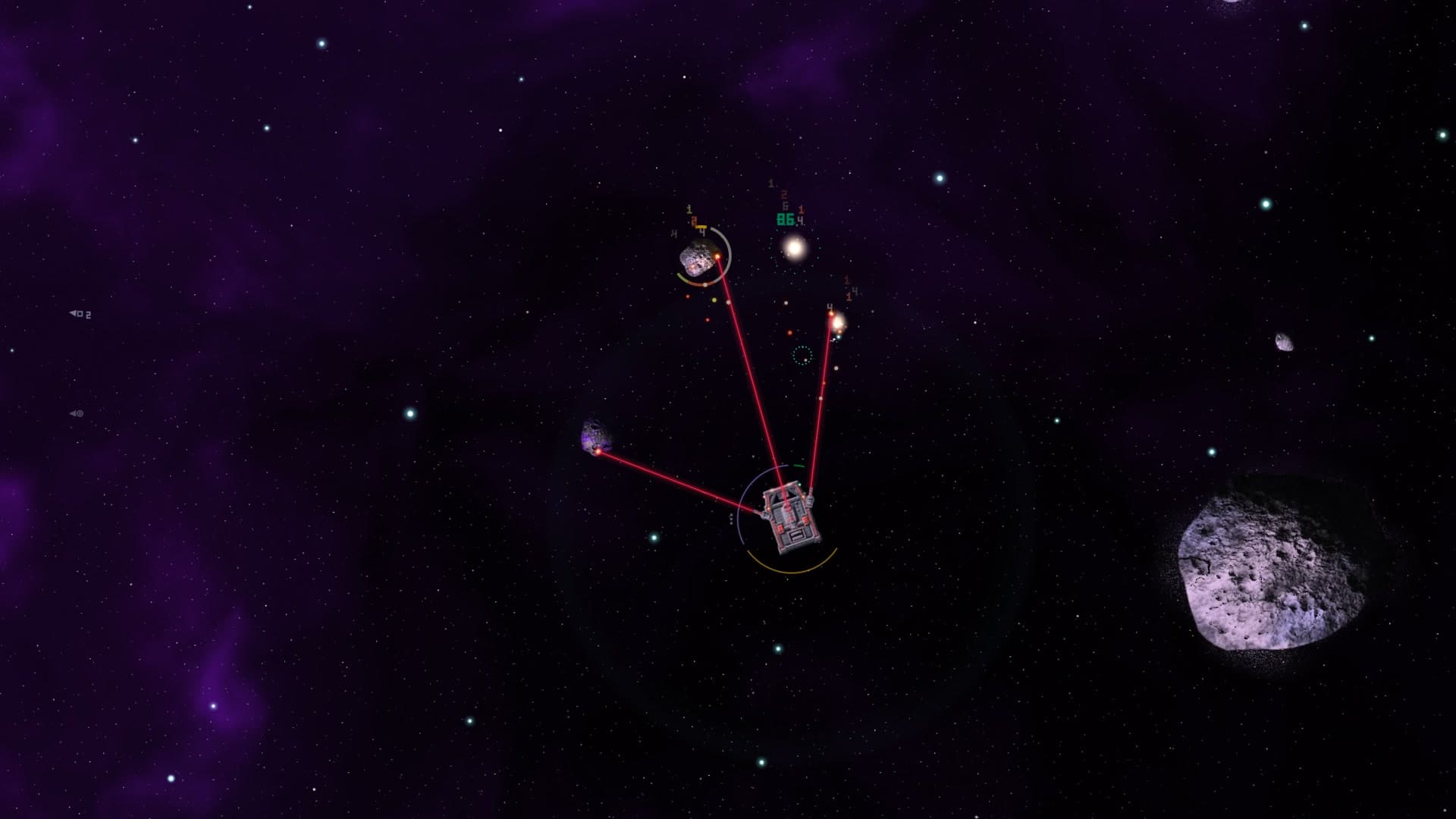
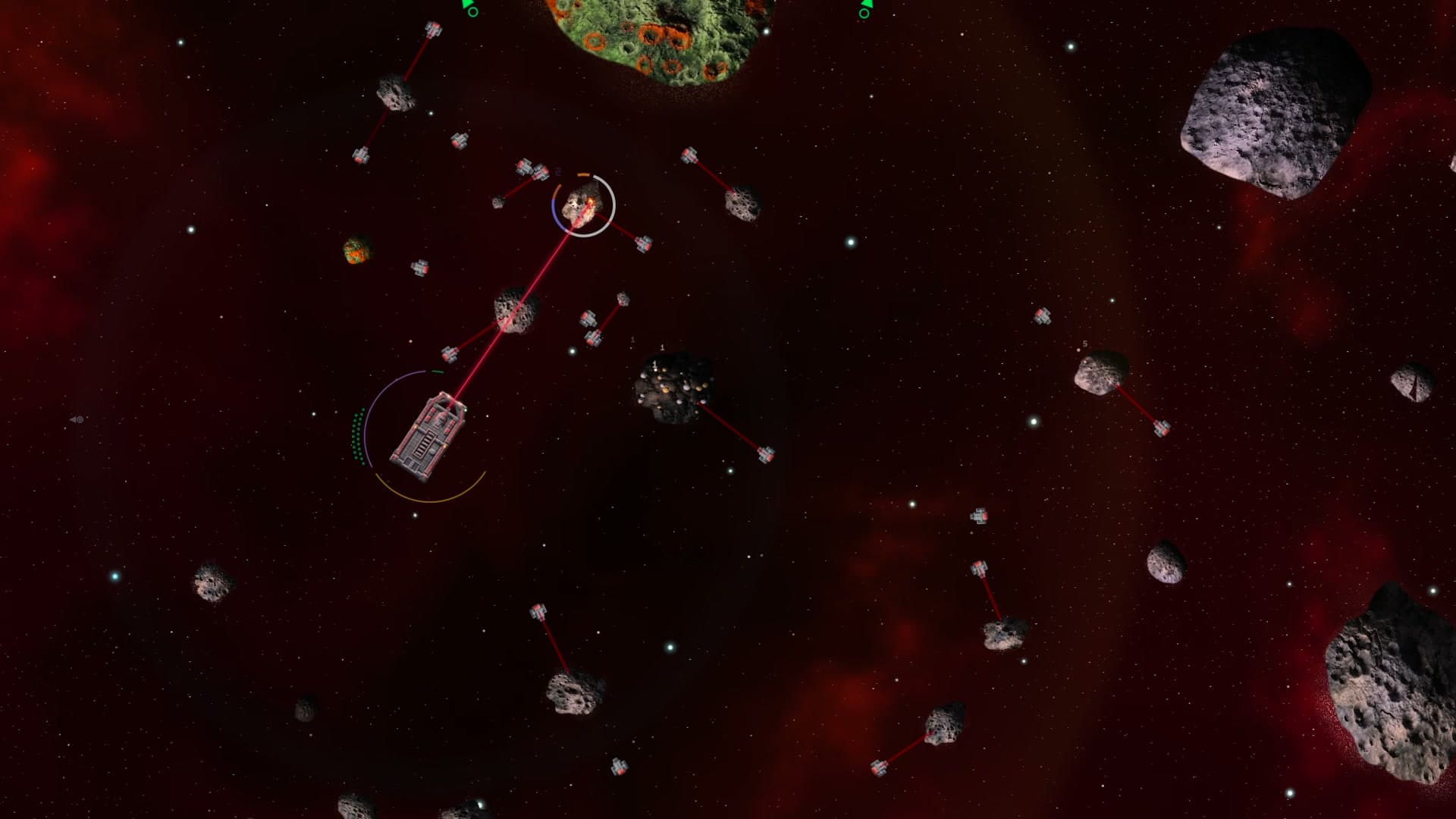
Explore the sector to find asteroids to mine. Give the ship orders yourself, or switch on auto-explore and auto-mine to let it work on its own.
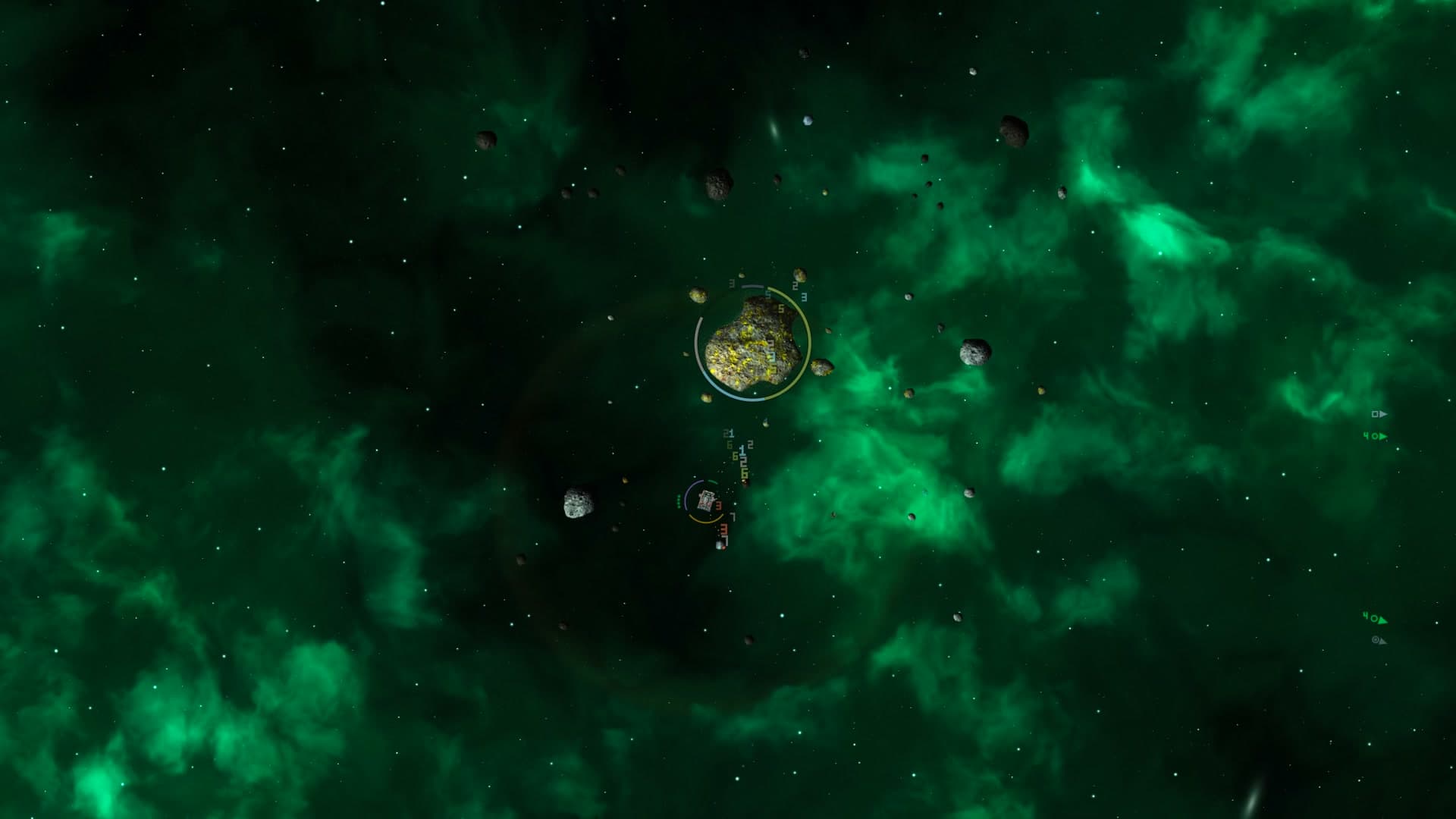
New sectors have belts of asteroids with empty deserts between them, and they get richer the further out you go. Far out in the deserts there are void giants, the biggest asteroids in the game. Radiation out there wears down your ship's shielding.
In dangerous sectors, Volatile asteroids can discharge and push your ship back while you mine.
Mining
The Company buys what you mine.
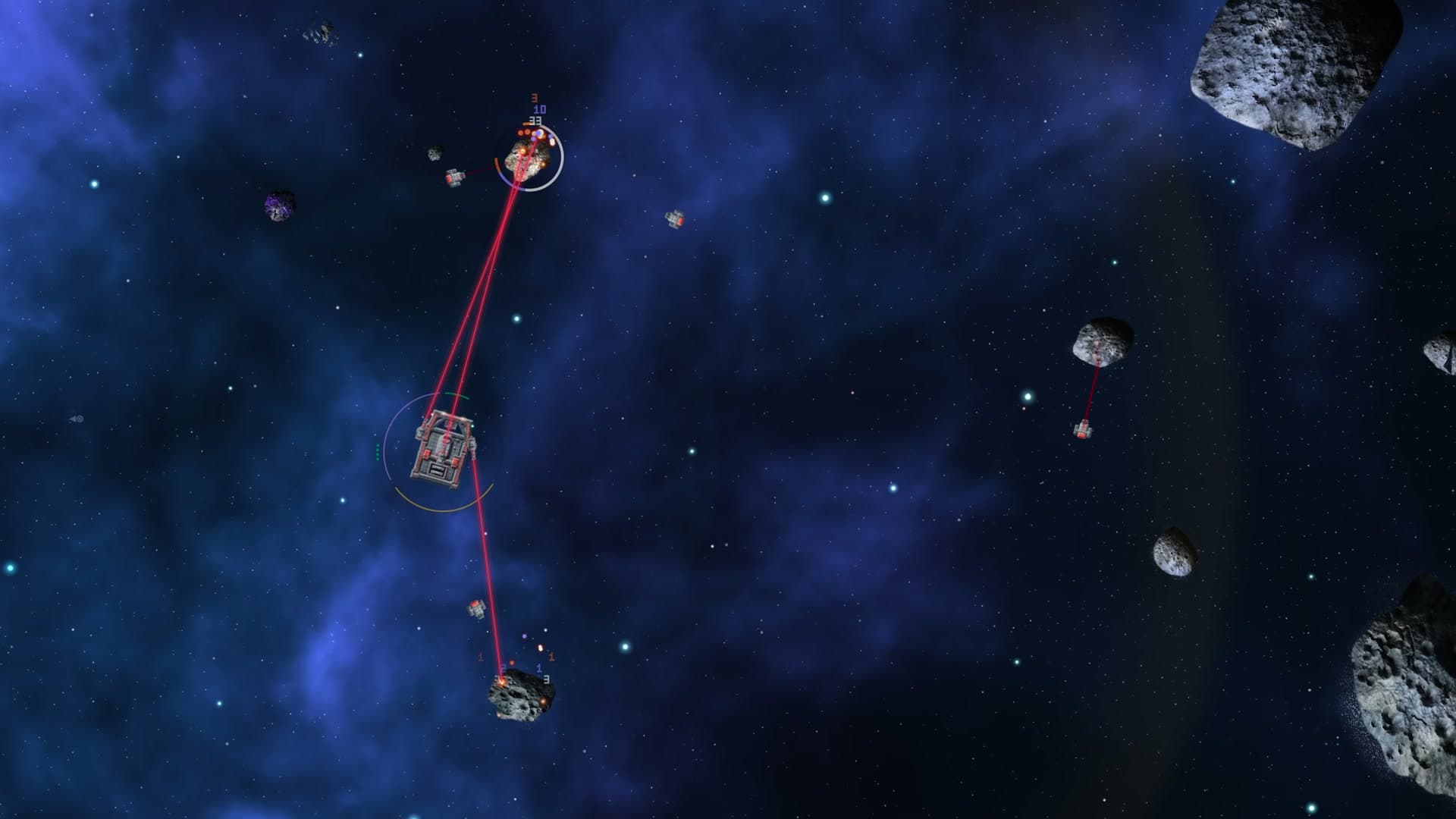
Survey asteroids to find the materials you want, then send your ship to mine them. Move to a hull with more lasers to mine several asteroids at once.
When the hold is full, drop a container. The Company sends a collection vessel to pick it up and pay you. Add a refinery to fit more material into the hold and earn more from each collection.
Mine giant asteroids for a larger haul. You can also mine the smaller asteroids that break away as you work.
Drones and raiders
Drones mine with your ship.
Mining drones bring more material back to the hold. Survey drones find the materials you want, and sentry drones defend the ship. Pick a hull with room for the drones you need: a Warren launches up to 21 mining drones.
In dangerous sectors, raiders try to steal from containers you have left behind. Stay close to defend them with your lasers and sentry drones, or build turrets to guard distant containers and the station. The raiders have stations of their own all over the sector, and their patrols come after you if you fly too close. You can shoot them down.
The station
You can build a station for your department.
Build a station in a sector and give it a queue of modules to build. Put mining drones and a refinery to work there, a fabricator to make fittings and drones, and an exchange that sells your surplus while you are away and keeps the reserve you set for each material.
Your department can claim territory too. When turrets and stations form a ring, the area inside it is claimed as well. Dock at the station with one tap for repairs and fuel, and while you are docked your ship's drones work for the station. A shield plant removes radiation from your ship.
Sometimes refining turns up a sealed artifact. Study it in a station's Laboratory, install it in a Vault socket, take it apart, or hand it over to The Company for credits.
Servicing
You can call for fuel and repairs.
A service vessel flies out to your ship in the sector with fuel and repairs, so you don't have to go back to the dock.
Asteroid types
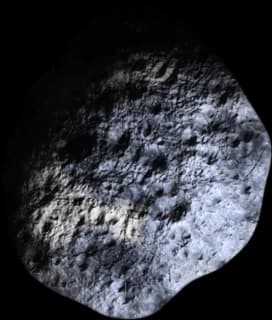
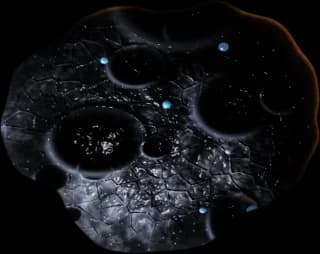
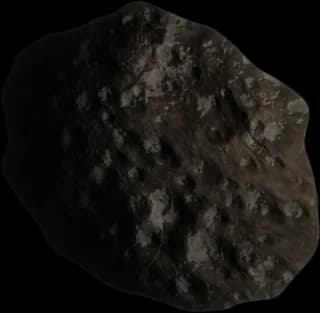
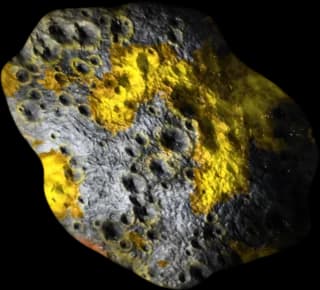
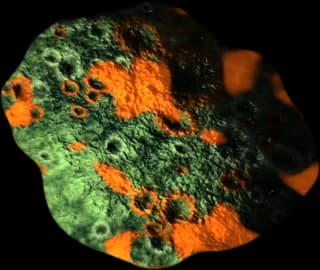
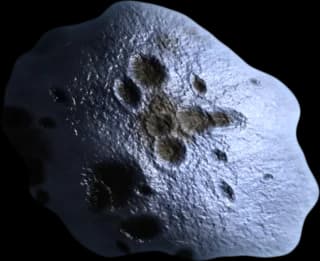

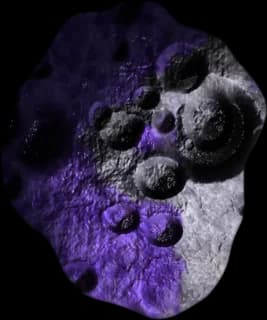
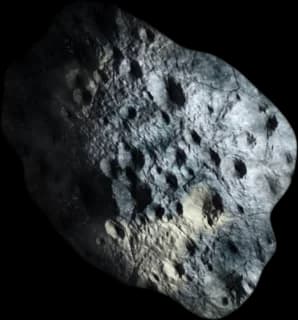
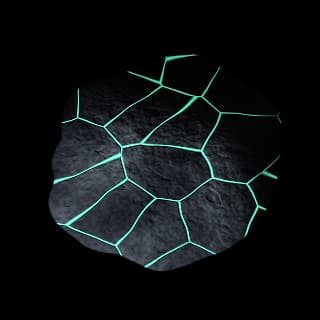
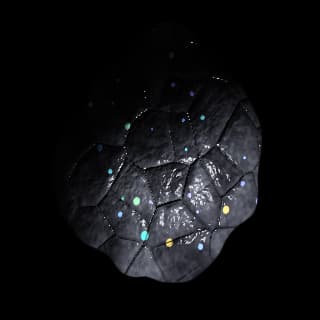
Different asteroid types contain different materials. Crystalline asteroids are valuable but slow to mine. Carbonaceous asteroids are worth less and break apart quickly. Further out, you find larger, harder asteroids and more of the valuable kinds. Radioactive and Rare-earth asteroids only appear far from the starting area.
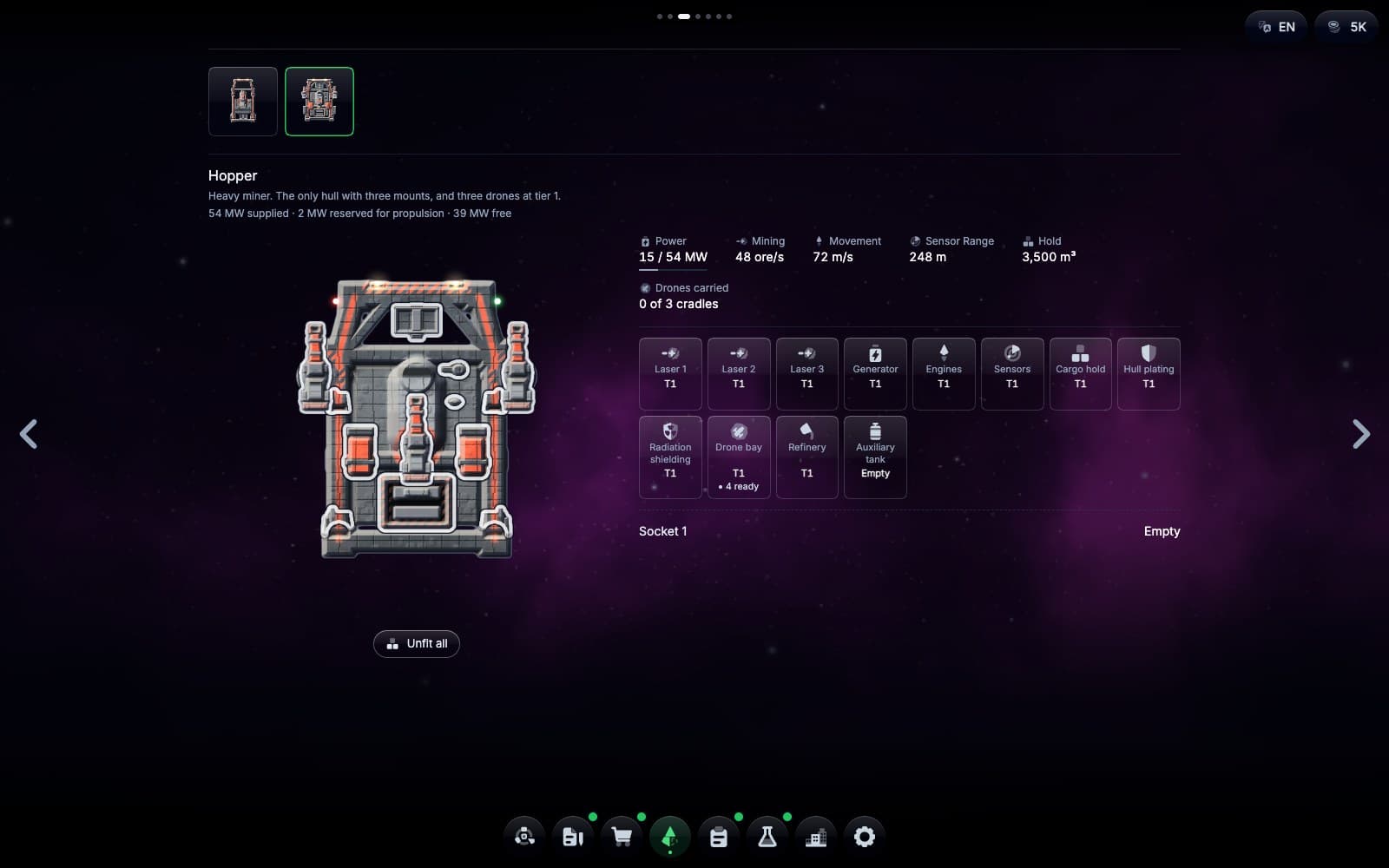
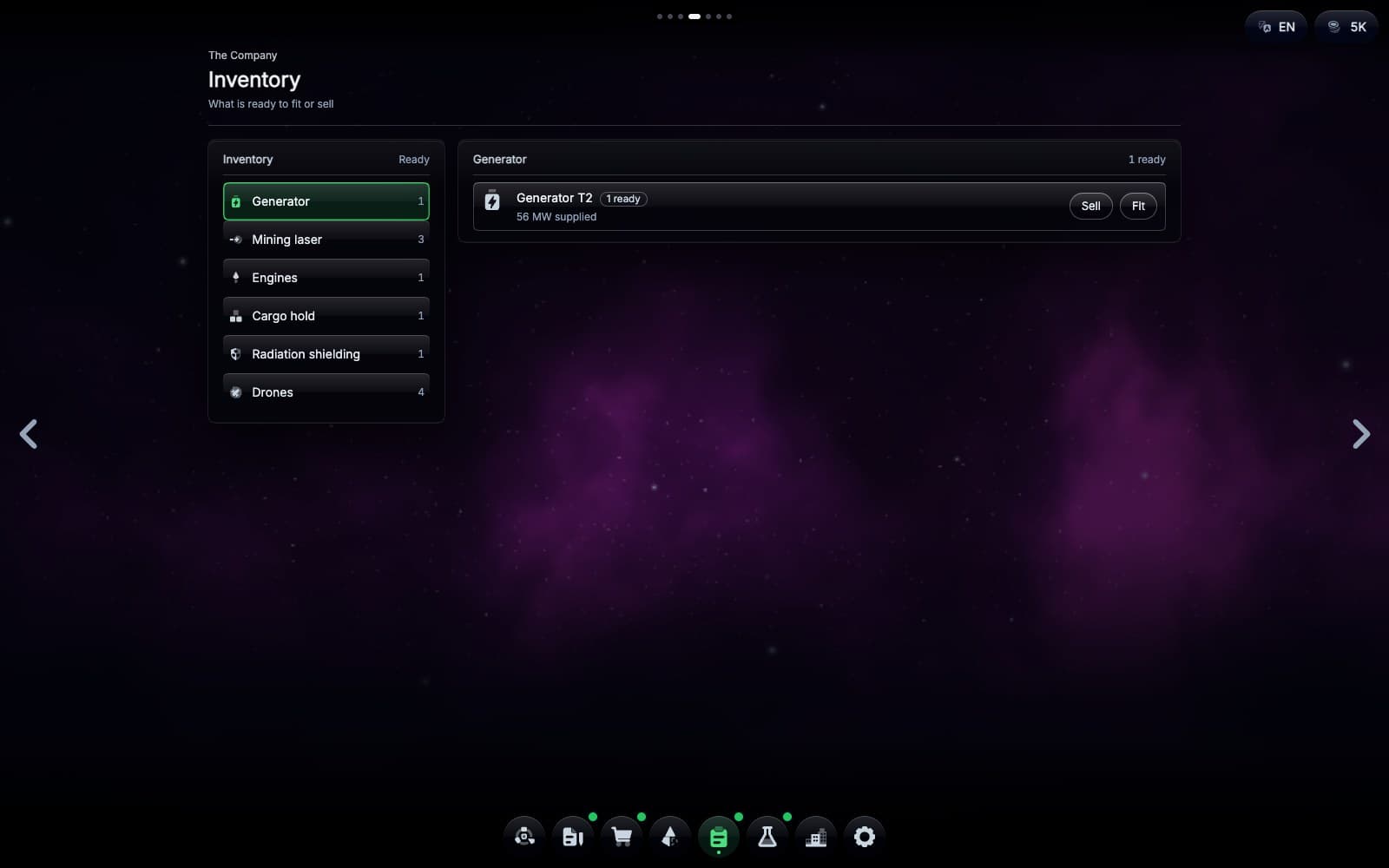
Market, Inventory and Fit
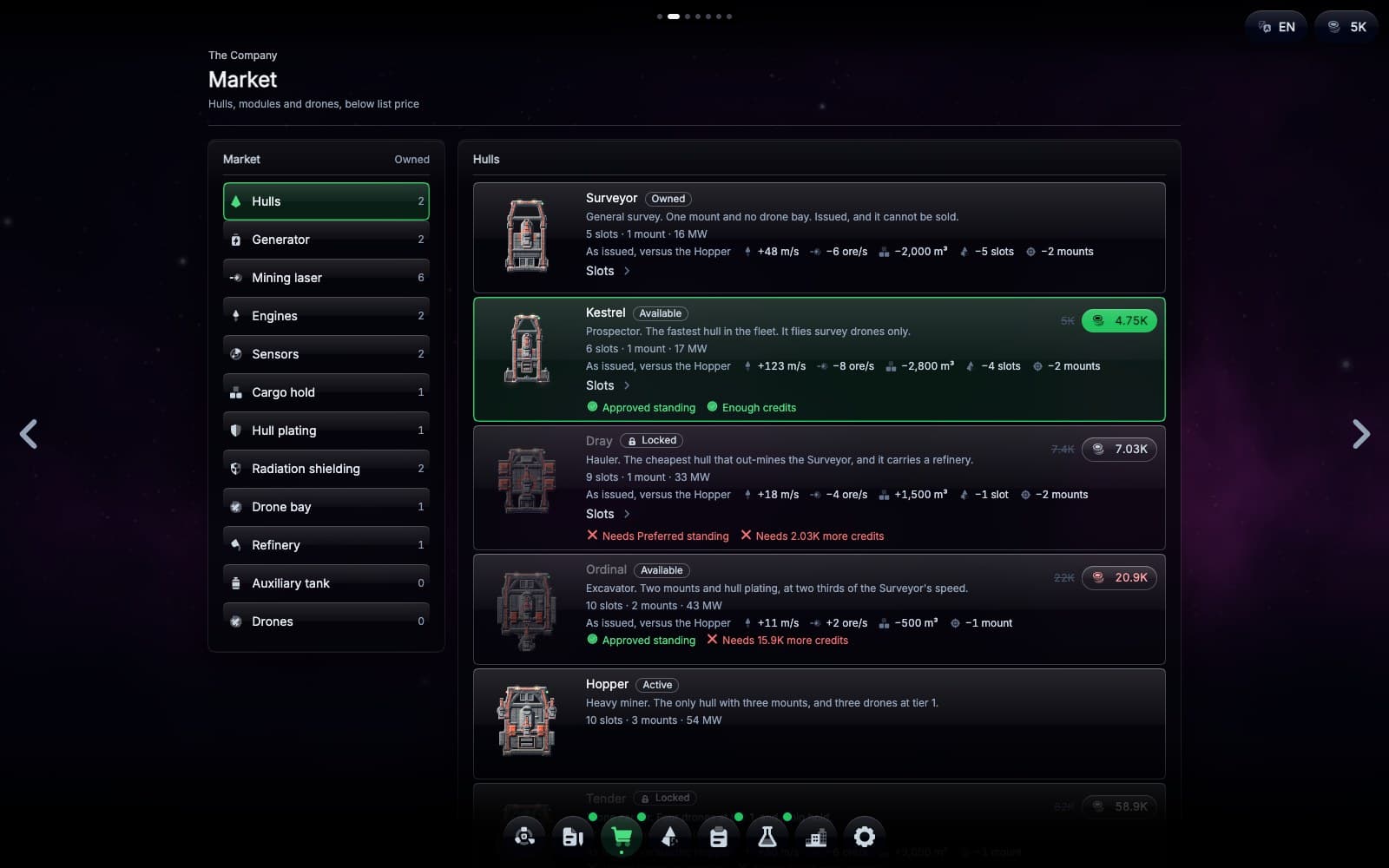
The Market sells hulls, fittings and drones.
Spend your earnings on a hull that suits the work you want to do. Fit it with better lasers, more drones or a refinery, and research blueprints for better equipment. The station's Fabricator can make the best fittings.
Your generator limits how much you can run at once. On a larger hull, you can switch off the refinery to power another laser when you want to mine faster.
The fleet
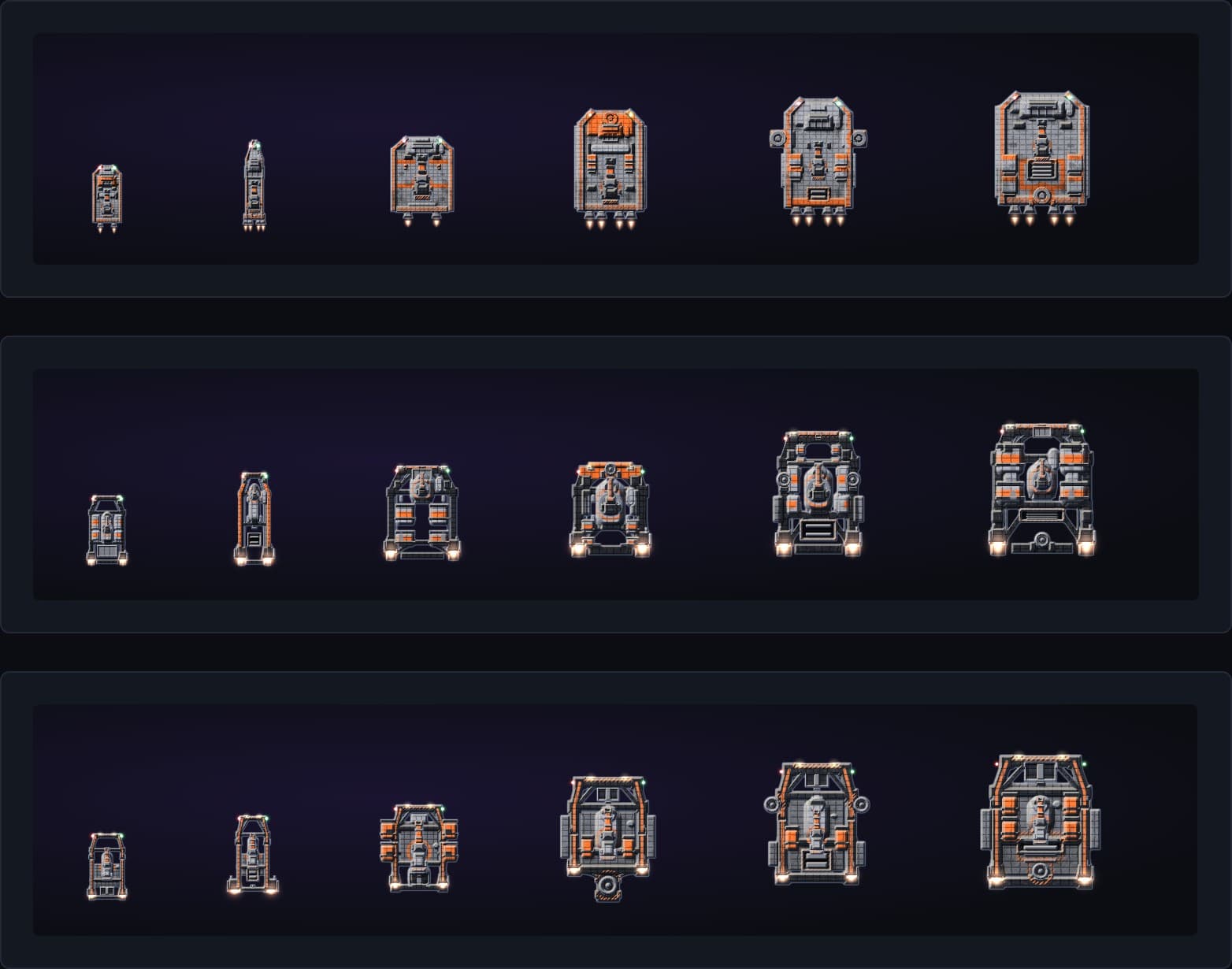
The Company's ten hulls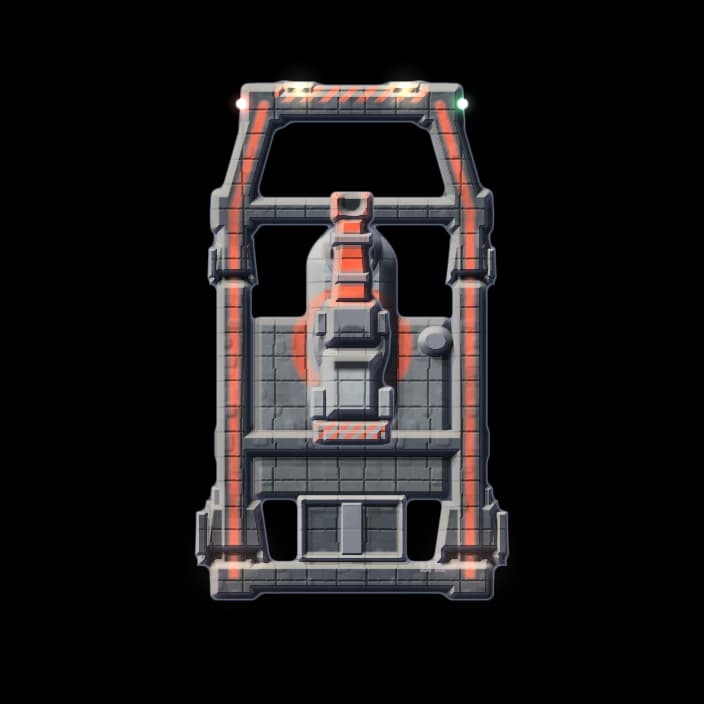
Surveyor
Your first company ship.
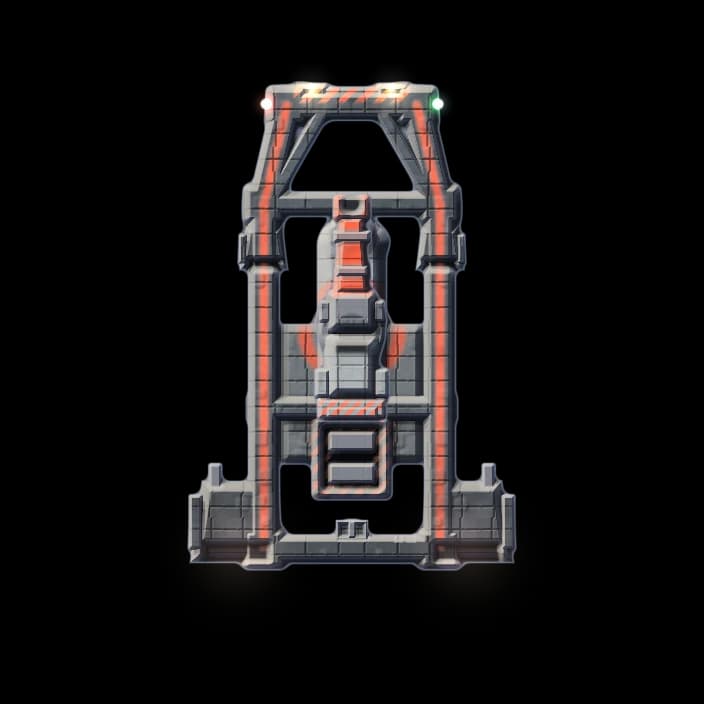
Kestrel
Prospector. The fastest hull, and it carries survey drones.
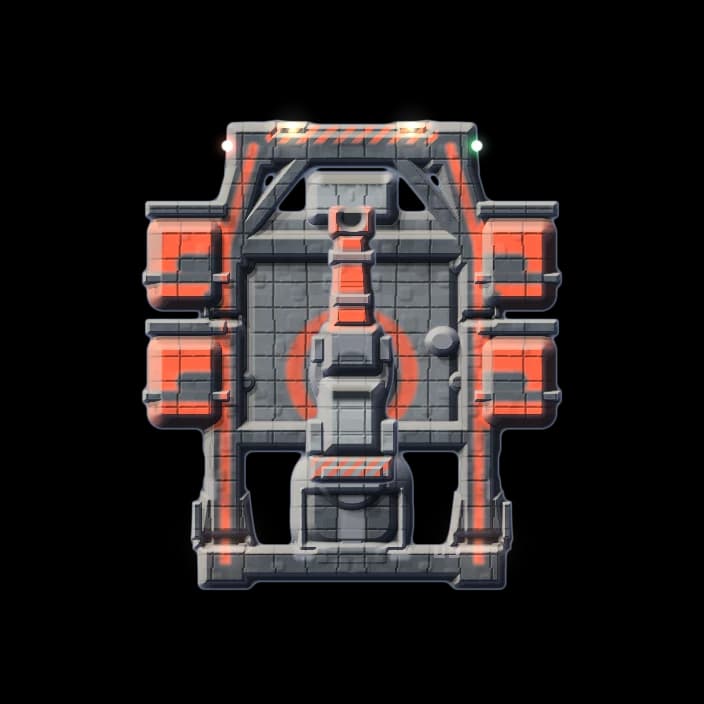
Dray
Hauler. A big hold and a refinery.
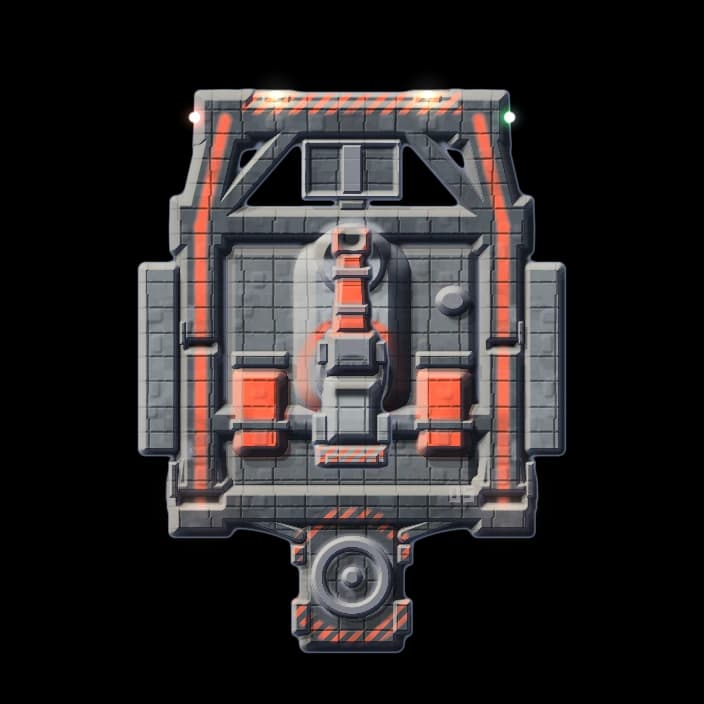
Ordinal
Excavator. Carries two mining lasers.
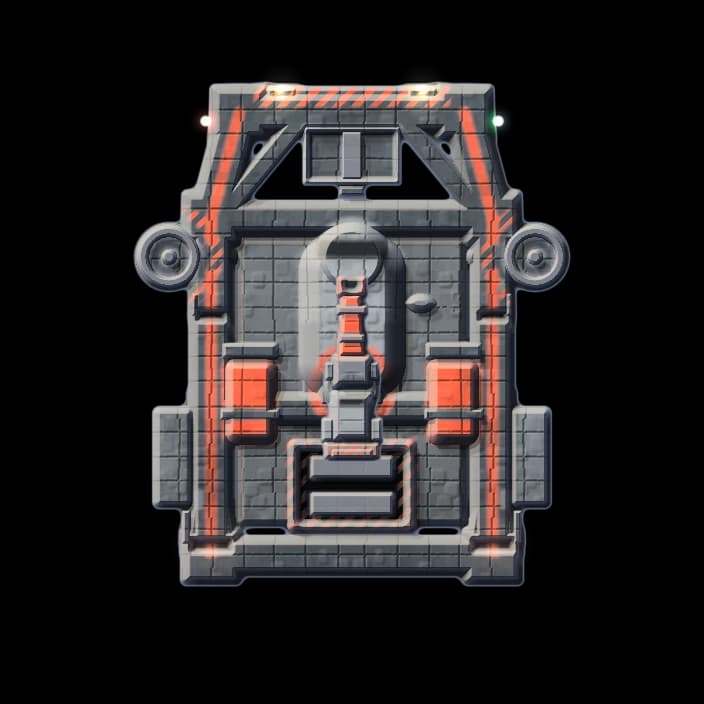
Hopper
Heavy miner. Three lasers and a few drones.
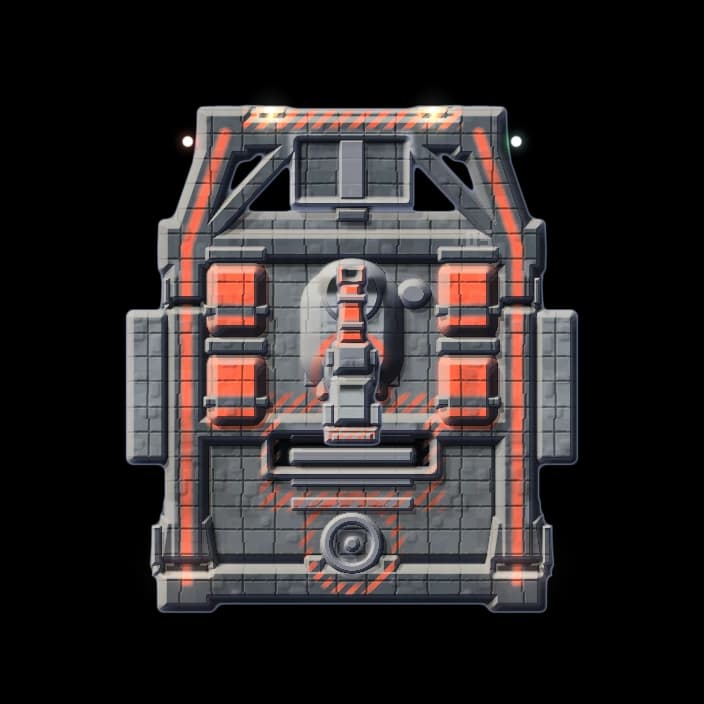
Tender
Drone carrier. Carries four drones and has a big hold.
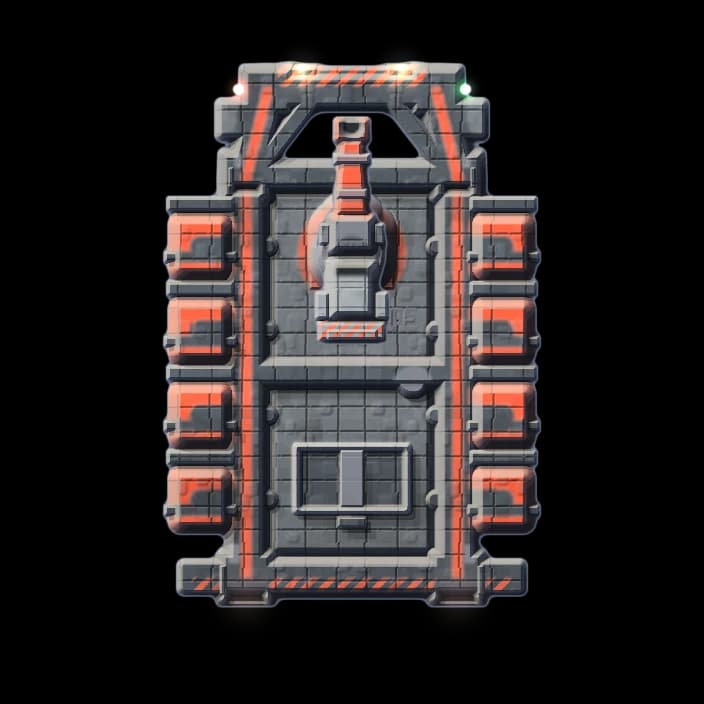
Barge
Bulk hauler. The biggest hold in the fleet.
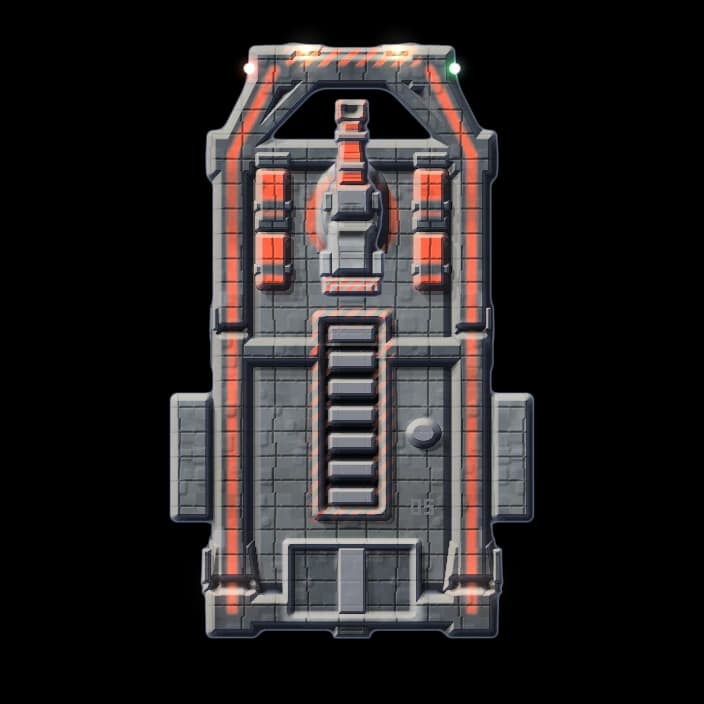
Warren
Drone mining rig. Up to twenty-one mining drones.
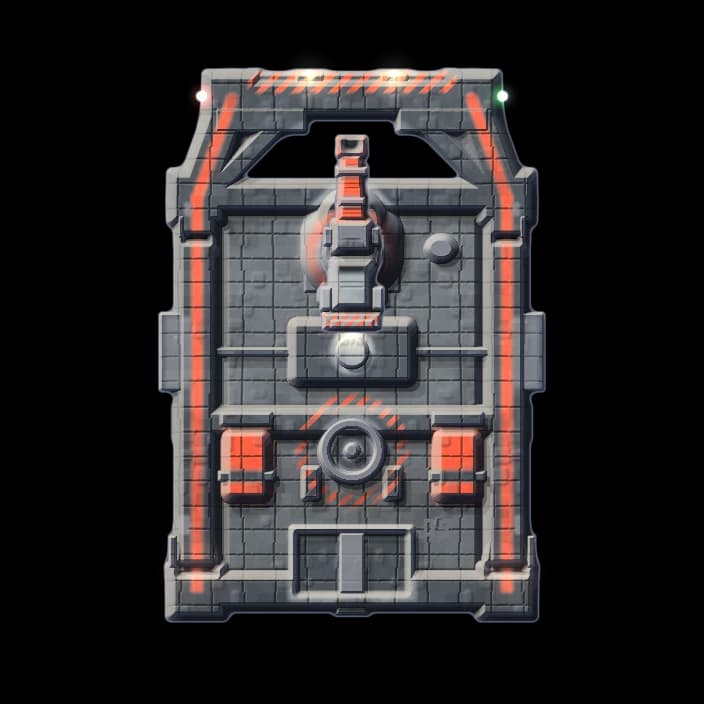
Crucible
Forge ship. Two lasers and extra refining capacity.
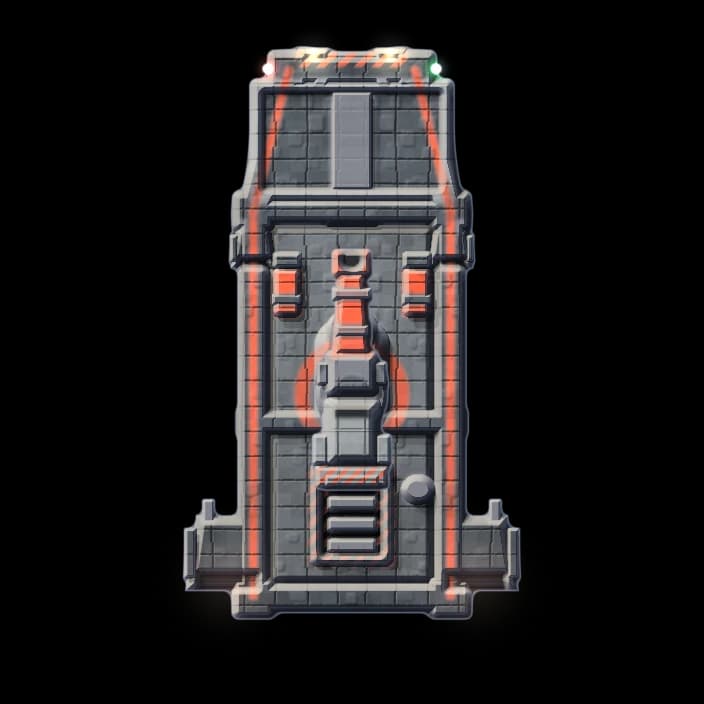
Meridian
Deep explorer. Long range and high endurance.
The last four hulls require Retained standing and their own blueprints.
Other departments
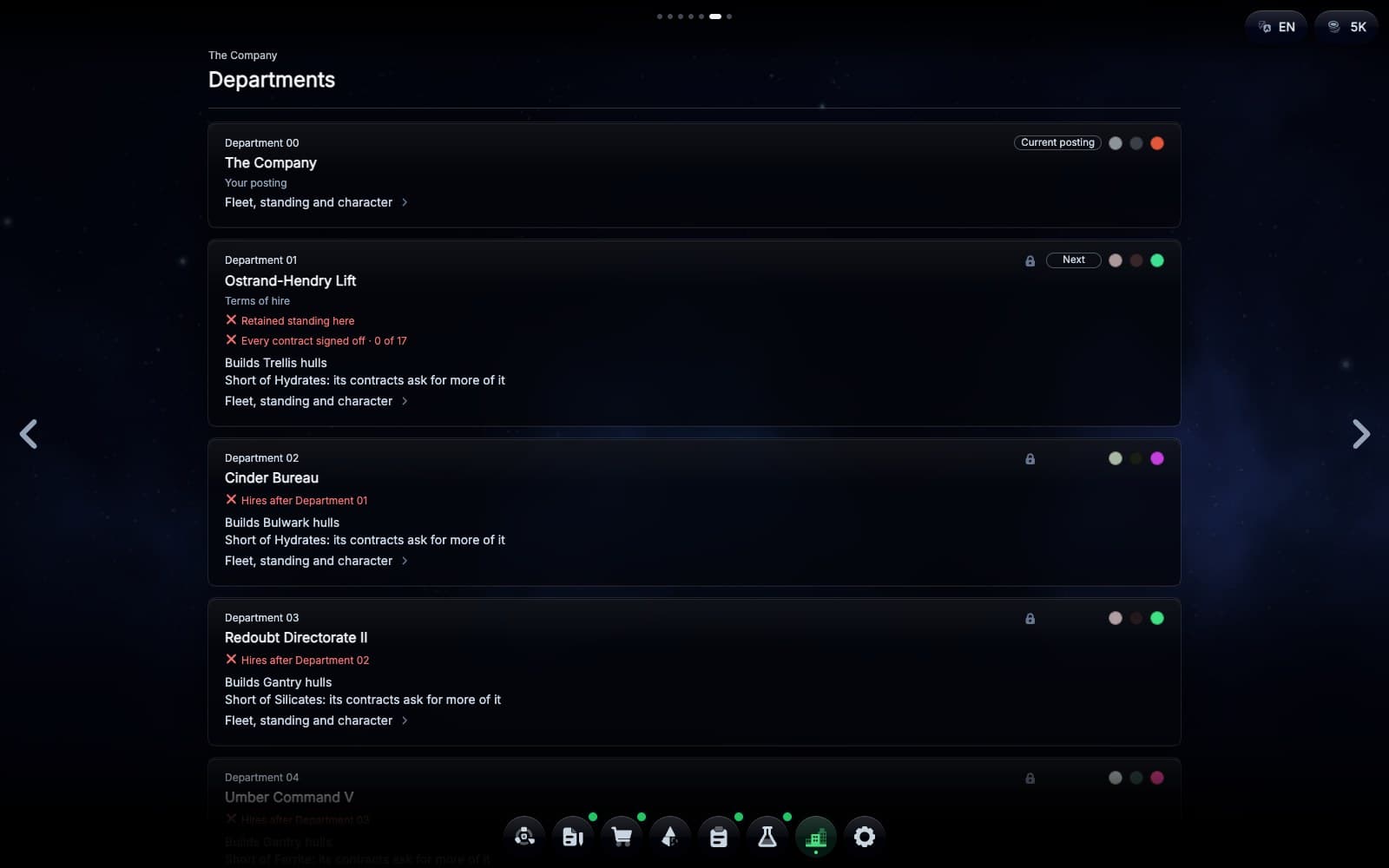
Earn a transfer to another department to fly its ships.
Music
The music changes with what you do.
Exploring sounds different from mining, and a raid or the dock sounds different again. Each career has its own theme. Turn it up or down under Sound in the settings.
Contracts
One contract at a time.
Every contract starts with your ship docked at The Company's dispatch station. The Company sends you to explore a sector, mine asteroids, haul a particular material or survey. Later contracts put a bounty on raiders, send you to find a raider station, claim ground, haul stock to a forward station or build one. A finished contract pays credits and raises your standing, and higher standing gets you bigger hulls and better prices. A memo from The Company tells you what you were paid, the next contract is on the board, and your ship is serviced at the dock.
The final contract is open-ended. Keep mining as long as you like, then call the ship back to collect your pay.
Transfers
Transfers give you permanent bonuses.
Complete your department's regular contracts and reach its highest standing to earn a transfer. Join another department of The Company with a signing bonus, a head start in standing and a new contract board.
You also pick a permanent bonus when you transfer. That can be more room in the hold, a faster ship or lower prices. Every transfer adds one, and they all stack.
Mine, fly, survey and refine to improve your skills. Your skills and blueprints come with you when you transfer. During a contract, you can spend credits on boosts.
Research
Blueprints unlock what you can build and fly.
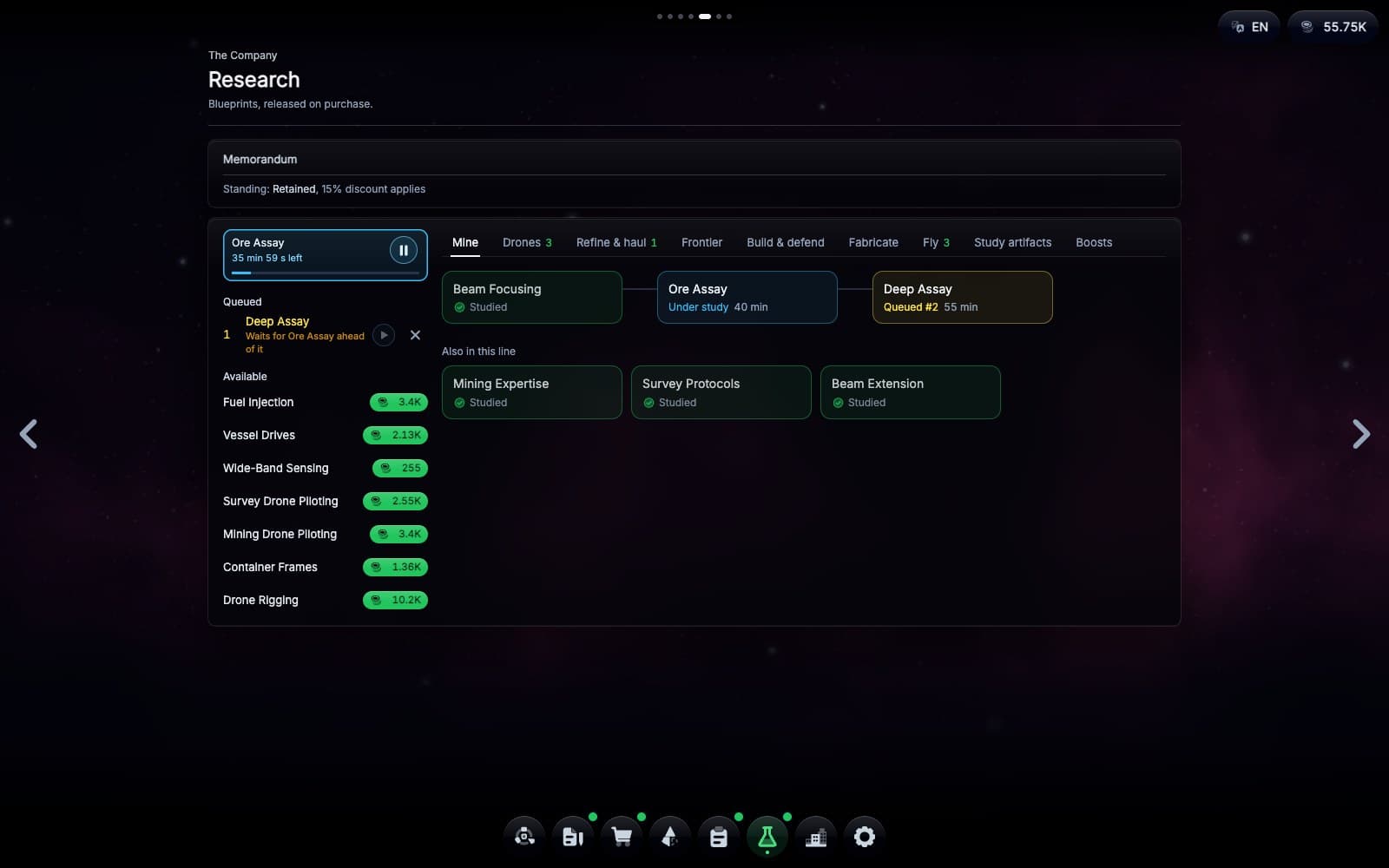
Buy a blueprint with your credits and put it under study. Studying takes real time and keeps going while the game is closed, and you can queue the next ones behind it. A blueprint unlocks a hull, a module for your ship or your station, or something like auto mine. Some studies get shorter if you have already done the work in a sector. Your boosts and the artifacts you have studied are in Research too.
Skills
You get better at what you do.
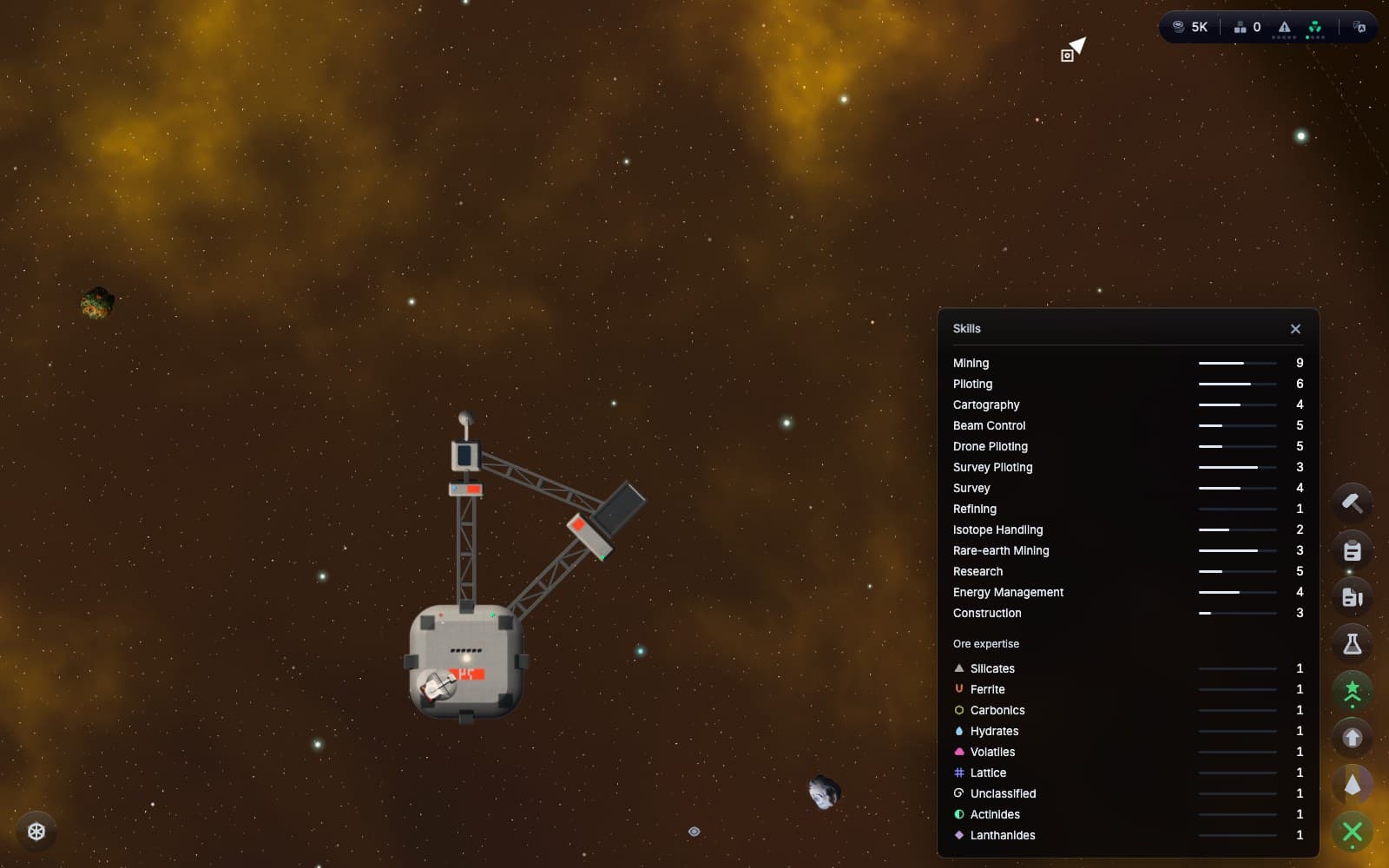
Your pilot has thirteen skills, and each one grows from its own kind of work. Mining raises Mining, flying raises Piloting, and running the reactor near its limit raises Energy Management. Each level makes that work a bit faster or gives it more range. Your skills stay with you when you change hulls and when you transfer to another department.
Players
What players have told me.
- It gets really satisfying once you have a bigger ship, a few lasers going and your own drones working the field.
- It doesn't play itself and it doesn't need you every second. The pace sits right in between.
- Zoomed in, the ships and asteroids look great.
- No hand-holding tutorial. You find things out by playing.
Play
Play it in the browser.
No account, nothing to install. It plays on a desktop, a tablet or a phone, in eleven languages. Or leave your email and I will write when there is something new.